
Your website is live. You’ve shared the link, the team likes the design, and everything seems to work.
A month later, someone asks: “Are we getting anything from it?”
If the answer is “we’re not sure,” you have a useful question to investigate. The next step is to understand what people can find, what they do when they arrive and whether the website helps them move forward.
First, decide what “working” means
A business website might need to generate relevant enquiries. An online store needs to support purchases. A product website might help people understand a service and sign up.
Choose the action that matters, and make it specific enough to recognise.
For example, “more enquiries” leaves an important question unanswered. Would five enquiries about the right service be more useful than twenty about something you don’t provide?
Agreeing what a useful result looks like makes the numbers easier to interpret.
Check that the next step actually works
Before looking for a marketing problem, test the practical journey.
Submit an enquiry from your phone. Check that it reaches the right person. Follow the booking link. Try the purchase flow using the appropriate test process.
Look at the experience around the action too. Can someone understand what happens after they submit? Is the phone number current? Does your team know who responds?
A working button is only one part of a working enquiry process.
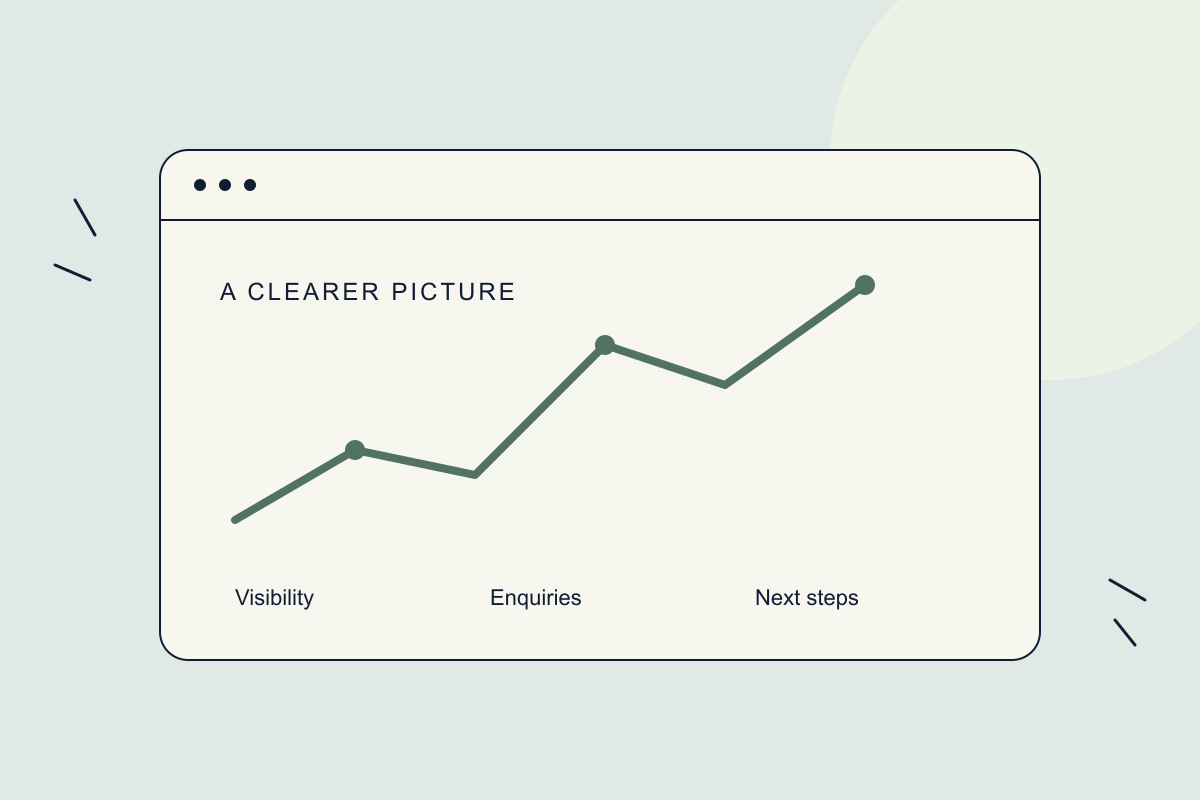
Look at discovery, visits and actions separately
These answer different questions:
Discovery: Can people find your pages through search? Search Console can help you review the searches and pages associated with your visibility.
Visits: Where do people arrive from, and which pages do they explore? Analytics can help, depending on its configuration and the data available.
Actions: Are people submitting enquiries, signing up or purchasing? Relevant actions need to be measured deliberately; a page-view count alone won’t answer that question.
You don’t need a dashboard full of charts. Start with a few measures connected to the website’s purpose.
Use the pattern to choose what to investigate
Suppose a service page receives visits but few enquiries.
There are several possible explanations. The visitors may be looking for something else. The page may leave an important question unanswered. The next step may be difficult to find.
The numbers suggest where to look; they don’t establish the cause by themselves.
Read the page alongside the enquiries your team receives. Ask someone unfamiliar with the business to explain what they think you offer and what they would do next. That can reveal a gap a traffic report won’t explain.
Make one useful improvement at a time
If customers repeatedly ask whether you serve their area, make that information easier to find.
If enquiries reach the wrong inbox, fix the routing.
If visitors cannot distinguish two services, review how those services are explained before adding more promotional content.
Record what changed and when. Then review it against the question you were trying to answer, allowing for the amount of traffic and the time people normally take to decide.
Build measurement into the launch
One reason we rebuilt NoLoopTech’s website was that we lacked a clear picture of its contribution to the business. We wanted a better basis for managing content, search visibility and marketing.
That starts with asking the right questions before launch: what should the website help people do, how will we know, and who will review it?
The first review doesn’t need to end with a dramatic result. A useful outcome might simply be: we now know what to improve next.
Unsure what your current website is contributing? Start with its purpose, test the customer journey and work out what you can meaningfully measure.